Renewing a Utah License and Changing Your Address Online in One Go
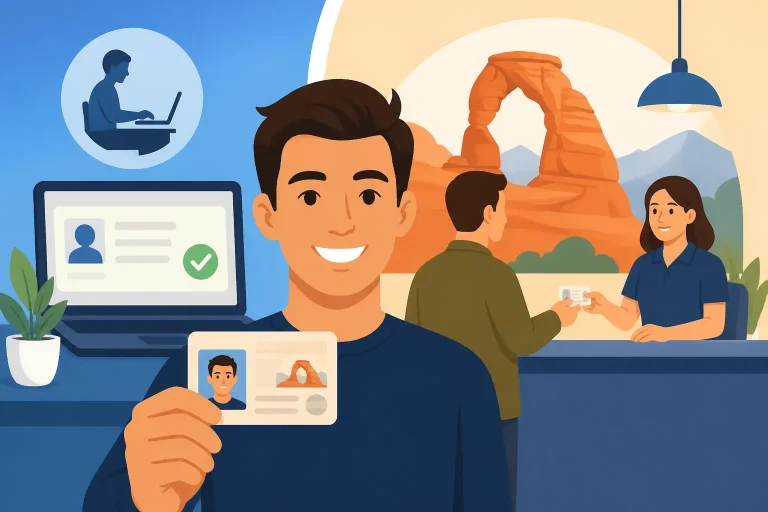
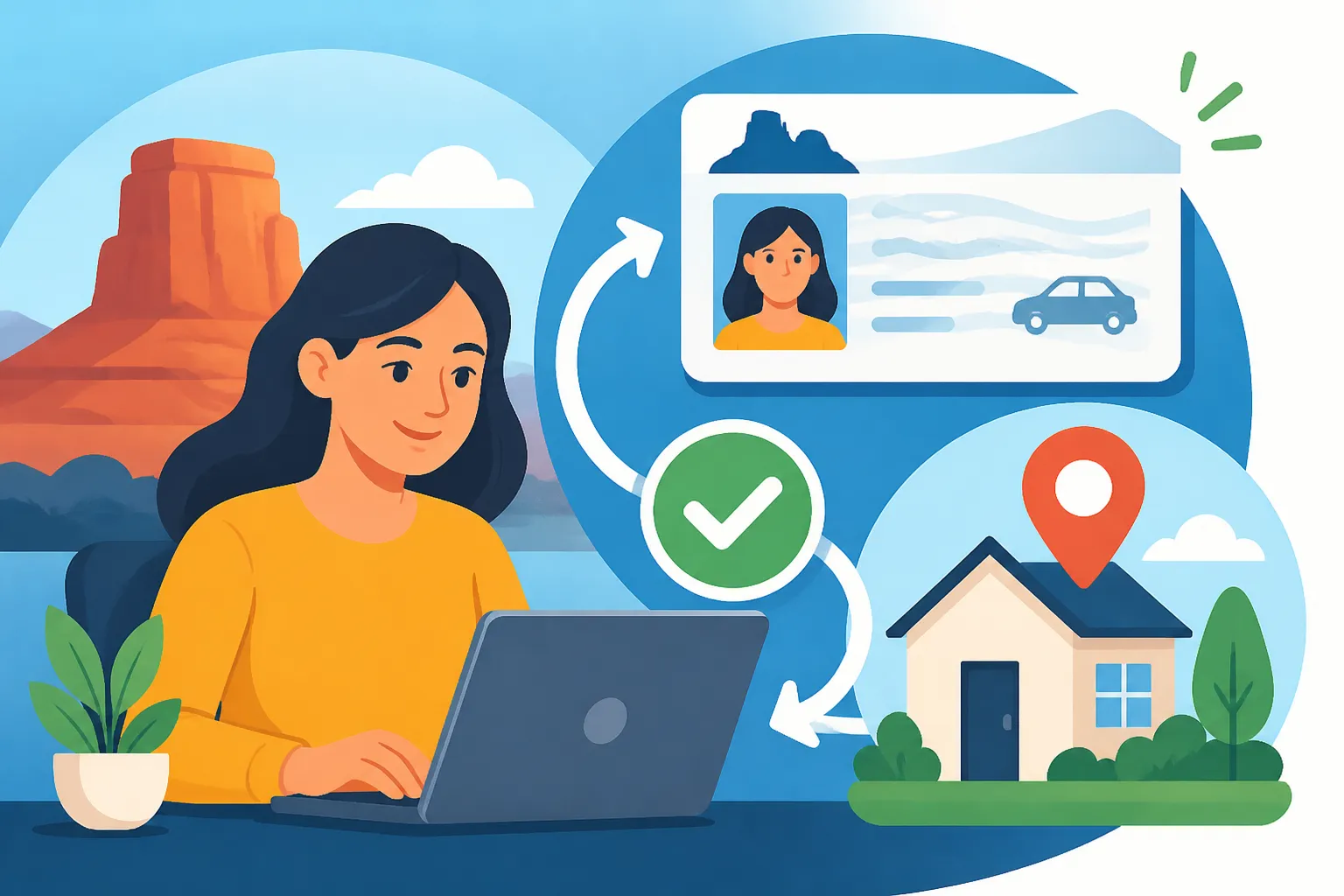
Renewing a Utah driver license is easier to plan when your address has changed, but “online in one go” can mean two separate tasks rather than one combined application. The Utah Driver License portal offers both services, while renewal may depend on eligibility. Here’s how to prepare, decide what to do first, and avoid assuming an address update changes every record or card.
What renewing and changing your address online in one go means
The Utah Driver License Division says its online portal offers both license renewal and address changes; online renewal may depend on eligibility. That makes the portal a possible starting point for handling both needs, but it does not establish that they are one combined transaction or that every driver can complete both online.
A practical way to understand “one go” is to prepare for both tasks before you start, then follow the portal’s available options. If it lets you complete the address update and renewal in the same session, you can do that. If it directs you through separate services, treat them as separate steps. Don’t assume that submitting one request automatically completes the other.
Updating your address and renewing your license also answer different questions:
- An address change tells the Utah Driver License Division that your residence or mailing details have changed.
- A renewal concerns whether and how you can extend your current Utah driving credential.
- A new or replacement card is a separate question from whether the division’s records were updated.
Check the confirmation and instructions for each transaction. In particular, look for whether the address change is recorded, whether renewal was accepted, and what the division says about the information printed on any card it issues. The portal’s instructions and your account-specific result matter more than assumptions based on the order in which you complete the tasks.
It can help to read Is Your Utah Driver License Eligible for Online Renewal? before beginning. Eligibility is the key uncertainty in the online renewal part: being able to access the portal or submit an address change does not, by itself, prove you can renew online.
What the portal can and cannot settle
The portal is relevant because both services are offered there. It can show which options are available for your situation and provide instructions for the steps it supports. It should not be treated as a guarantee that every renewal qualifies, that an address update changes the printed card, or that other government records will be updated too.
If the portal accepts the address change but does not offer renewal, complete only what it allows and follow the renewal instructions it provides. If it offers renewal but your address is still old, look for an address-change option rather than assuming the renewal form will update it automatically. If the instructions are unclear, ask the Utah Driver License Division before submitting information you are unsure about.
Keep the division’s role distinct from the Utah Division of Motor Vehicles. A driver-license address update is not necessarily a vehicle registration or title update. If you own a vehicle, read Two Address Changes After a Utah Move: One for DMV, One for DLD so you can check whether a separate update is needed for the vehicle record.
Prepare before you open the portal
A little preparation can prevent a half-finished transaction or a mistaken assumption about what was updated. Start by identifying the exact credential you hold and the tasks you need to complete. The online path for a driver with an existing Utah license is not the same as applying for an original license.
The Utah Driver License Division provides services for Regular First-Time Utah Original driver licenses. If you are applying for your first Utah driver license rather than renewing an existing one, use the original-license route and confirm the applicable steps with the division. For an overview of renewal, replacement, and original-license situations, see Utah Driver’s Licenses: A Guide to Getting, Renewing and Replacing.
Before starting, gather or confirm:
- Your current Utah license and the details needed to identify your record.
- The new address you want the Utah Driver License Division to use.
- Whether the address is your residential address, mailing address, or both, as relevant to the portal’s questions.
- Access to the account or information the portal requests.
- The date your license expires, so you can distinguish a current renewal from an address-only request.
- Any notice or message from the division that says you need to handle renewal in a particular way.
Use the address you actually need the division to record. If you recently moved but receive mail somewhere else, read each field carefully rather than entering the same information everywhere by habit. Don’t make up an address format to get past a field. If the form’s wording does not fit your situation, check the division’s instructions or contact the Utah Driver License Division.
Utah Driver License Division guidance says Class D license holders must notify the division of an address change within 10 DAYS of moving. If you have moved and still need to update your record, do not put off the address-change task while waiting to find out whether your renewal qualifies online. The address-update requirement is separate from the renewal decision. For details focused on the move itself, see Moved Within Utah? Reporting Your New Address Within 10 Days.
If you are unsure which address documents may be needed, review Proving Utah Residency for a Driver License, Document by Document. Do not assume an online address update has the same evidence requirements as an in-person application, or that the division will ask for no documents. Follow the prompts for your transaction and be ready to use the official process if it requests more information.
Check whether you have a renewal problem as well as an address problem
Before entering the portal, consider whether there is anything that could make renewal more complicated than a routine update. For example, you may have received a notice directing you to visit an office, have a license type with special requirements, or be unsure whether the current credential is eligible for online renewal.
A portal option is useful, but a notice from the division about your own record deserves attention. If the division has told you to visit an office, don’t treat the general availability of online services as permission to ignore that instruction. Renewal Notice Says Visit an Office? Setting Up the DLD Trip explains how to approach an office visit when online renewal is not the route offered to you.
Likewise, changing your name is not the same as changing your address. If both details have changed, check the sequence and documentation for the name update separately through How to Change the Name on a Utah Driver License. A renewal or address-change option may not resolve a different record issue.
A careful sequence for handling both tasks
There is no need to guess which button to choose based on the word “renewal.” Use the portal’s service descriptions, and take each task in a deliberate order. The aim is to make sure the address change is actually recorded and that you have a clear result for renewal.
-
Confirm you are using the Utah Driver License Division’s official portal. Make sure the service is for a driver license, not vehicle registration or a title. If your errand concerns a car record, the Utah Division of Motor Vehicles handles a different set of services.
-
Review the renewal option before relying on it. Check whether the portal presents renewal for your license and whether it lists any eligibility conditions or instructions. If it does not offer renewal, don’t try to force the request through a different service.
-
Update the address if the portal provides the appropriate option. Enter the new information carefully and review it before submitting. Pay attention to whether the questions distinguish residential and mailing addresses.
-
Complete the renewal only if the portal offers it for your situation. Follow the instructions for the renewal request. If the portal directs you to an office or another process, use that route rather than assuming the address update has made you eligible.
-
Review the outcome of each task. Look for a confirmation or status for the address update and a separate result for renewal. Save the confirmation details in a place you can find if you need to follow up.
-
Check what the division says about the card. An address change in the division’s records and the address printed on a card are not automatically the same thing. Follow the portal’s instructions about whether a new card is issued, whether the existing card remains in use, or whether a separate request is required.
This sequence is a planning aid, not a promise about the portal’s exact screen order. The available steps may depend on your record and current instructions. If the portal combines tasks, follow its combined instructions. If it presents separate transactions, complete and confirm each one individually.
If renewal is not available online
An unavailable online renewal does not necessarily mean that you cannot renew. It means the portal is not offering that route for your situation. Read any message it gives you and follow the division’s stated alternative. Depending on the instructions, that may involve an in-person visit or another process.
Avoid repeated attempts that change small details just to see whether the system will accept the request. If an eligibility message appears, treat it as a signal to check the reason and the next step. Online Renewal Turned You Away? Next Steps With DLD covers how to handle that situation without confusing an address update with renewal eligibility.
If you need to visit an office, check the Utah Driver License Division’s official office locator for a location that provides the service you need and for its current hours. Do not assume that every location handles every transaction. To decide whether an office trip is necessary, see Is a DLD Visit Required, or Will Utah’s Online Services Do?.
After you submit: verify the records and card details
The most important follow-up is confirming what happened, not simply remembering that you clicked submit. An online transaction can have a confirmation, a pending status, or a message requesting additional action. Read the result for each service and keep the information the portal gives you.
Confirm the address change
Check that the address-change request was accepted or otherwise recorded. If the portal provides a confirmation, save it. If it says the request is pending or needs more information, follow those instructions and do not treat the address as fully updated until the division confirms the result.
Next, check whether the confirmation describes the address in the division’s record, the address that will appear on a card, or both. These details can differ. The question of whether an online address change updates the printed license is addressed in Does an Online Address Change Update Your Printed License Card?. Use the division’s instructions for your specific transaction rather than relying on what happened to another driver.
If you need the physical card to show a new address, verify whether the division’s process requires a replacement or another action. Do not assume that a successful address change automatically triggers a new card, and do not assume that a card with an old printed address means the online record was not updated. Those are separate questions that the transaction instructions should clarify.
Confirm the renewal separately
Make sure the portal shows a result for renewal, not merely for the address update. If renewal is approved or accepted, follow any instructions about what to do while waiting for the next step. If the renewal remains incomplete, look for a specific message explaining what is missing.
Do not infer that an address update renewed the license. Likewise, a renewal confirmation should not be taken as proof that the address change succeeded unless the result explicitly says so. If you see different statuses for the two requests, resolve each one according to its own instructions.
If your license card has not arrived or you are unsure whether your current card remains usable during processing, use the division’s guidance for your situation. Don’t rely on a general assumption about mailing times or temporary credentials. The relevant answer can depend on the status of your transaction and the instructions you received.
Remember vehicle records are separate
Moving can create more than one address-change task. The driver-license record and the vehicle record are handled through different services, so updating one should not be assumed to update the other. If you own a car, check whether your registration or title record also needs an update through the Utah Division of Motor Vehicles.
This distinction matters even when you complete both tasks on the same day. A license renewal and an address change with the Utah Driver License Division do not, by themselves, establish that your vehicle information changed. Use Told USPS or the DMV You Moved? Your Utah License Still Needs DLD for the driver-license side and the vehicle-record guidance that fits your situation.
Common snags and what to do next
The portal lets you change your address but not renew
Complete the address request if it is the right service and the portal permits it. Then deal with renewal separately. Check the renewal message and eligibility information, and use the route the Utah Driver License Division specifies. Don’t assume the address change has failed just because renewal is unavailable.
The portal offers renewal, but the address still looks old
Look for a separate address-change service and confirm whether your submission was accepted. A renewal form may not include an address update, and a separate address-change request may not be automatic. If the portal’s result is unclear, contact the division or follow its instructions for getting help. License Status Question? Phone, Chat or a Trip to a DLD Office can help you choose a reasonable way to raise a driver-license question.
You cannot tell whether the card will show the new address
Check the transaction confirmation and the instructions for the card. If they do not answer the question, ask the Utah Driver License Division before ordering or expecting a replacement. The online record and printed card should be treated as separate until the division explains how its process handles them.
You moved, but the address update has not been done
For Class D license holders, the Utah Driver License Division requires notification of an address change within 10 DAYS of moving. Complete the division’s address-change process as soon as you can and keep any confirmation. If the online option does not work, use the alternative the division provides rather than waiting for a renewal notice.
You may be in the wrong service
If you are applying for your first Utah driver license, replacing a lost card, changing your name, or updating vehicle registration, you may need a different service. The renewal portal is not a general solution for every driver-license or vehicle-record issue. Use the relevant DLD or DMV instructions and confirm with the appropriate agency if the category is not clear.
A first-time applicant can start with the Utah Driver License Division’s services for Regular First-Time Utah Original driver licenses. Someone replacing a missing card can review Lost Utah Driver License? First Steps and How to Replace It. Keeping the request aligned with the actual problem is usually the quickest way to get useful instructions.
Frequently Asked Questions
Can I renew my Utah license and change my address online?
The Utah Driver License Division’s online portal offers both license renewal and address changes. Online renewal may depend on eligibility, so check the portal’s instructions for your record. Do not assume the two services are submitted as one combined application.
Should I change my address before renewing?
If your address has changed, take care of the address notification promptly. The Utah Driver License Division says Class D license holders must notify the division of an address change within 10 DAYS of moving. Follow the portal’s instructions about whether to update the address before or during renewal.
Does an online address change automatically put the new address on my license card?
Do not assume that it does. Check the confirmation and the division’s instructions to see whether the address was updated in the record, whether the printed card changes, and whether another request is needed.
What if I cannot renew online?
Follow the message the portal gives you and the Utah Driver License Division’s instructions for your situation. An unavailable online option does not, on its own, explain why you are ineligible or what alternative applies. See Online Renewal Turned You Away? Next Steps With DLD if you need help sorting out the next step.
Sources
- Utah Driver License Division — Drivers License Renewal (checked November 12, 2026)
- Utah Driver License Division — Driver Handbook 2026 (PDF) (checked November 12, 2026)
- Utah Driver License Division — Driver Licensing Services | Utah Driver License Division (checked November 12, 2026)
Disclaimer
This article is for general informational purposes only and does not constitute professional advice. Laws, prices and regulations vary by location and change over time. Consult a qualified professional for guidance on your specific situation. Utah Driver Guide is not a government agency and is not affiliated with any state motor vehicle department.